Prices and sources checked October 25, 2026.
The short answer
The gap between fast IPS and OLED is no longer the $500 or more it used to be. At 27-inch 1440p 240Hz, a well-reviewed entry QD-OLED was listed at around $350 to $368 in 2026. Capable fast IPS models were listed at around $160 to $220 in October 2026. So the OLED premium now sits at roughly $150 to $210.
We think that's worth paying if you mostly play in a dim or moderately lit room and you want deep blacks, real contrast and the cleanest motion. It usually isn't worth it if your room is bright, if you spend long days on static desktop work, or if that money would do more good in your graphics card. Prices move all the time, so read these figures as a snapshot from late October 2026, and compare current models in our research-backed best gaming monitors guide.
What "fast IPS" and OLED actually mean
Fast IPS
A fast IPS monitor is an LCD. A backlight shines through liquid crystals, which open and close to build the image. "Fast IPS" is a marketing label for IPS panels tuned for quicker pixel transitions, quick enough for high-refresh gaming. They give you consistent viewing angles, good color, solid brightness and no burn-in at all. Their limits come from the backlight. Native contrast is usually around 1,000:1, so dark scenes look grayer, and some panels show "IPS glow" in the corners when the room is dark.
OLED
On an OLED monitor, each pixel makes its own light and can switch off completely. You get near-perfect blacks, very high contrast, and pixel transitions measured in hundredths of a millisecond. In exchange, budget models are dimmer on full-screen content, some panel types are sensitive to room light, text can fringe at 1440p, and burn-in is a long-term risk. If you want the wider picture with VA included, see our IPS vs VA vs OLED panel guide.
What the extra money actually buys
| What you care about | Fast IPS (about $160 to $220) | Entry OLED (about $350 to $370) | Who wins |
|---|---|---|---|
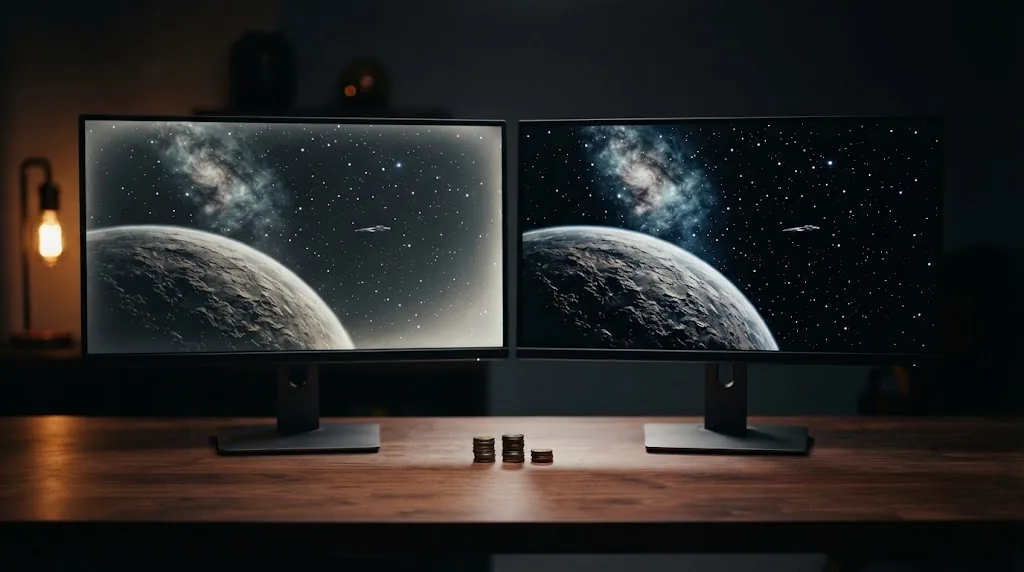
| Dark scenes and contrast | Grayish blacks, possible IPS glow | True blacks, per-pixel contrast | OLED, clearly |
| Motion clarity at 240Hz | Good on well-tuned models; depends on overdrive | Near-instant pixel transitions | OLED |
| HDR impact | Limited on budget LCDs without local dimming | Better highlights in small areas; limited full-screen brightness on budget models | OLED, with caveats |
| Bright-room use | Usually more comfortable | Reflections and dimmer full-screen white on budget glossy models | Fast IPS |
| Text and office work | Clean RGB-stripe text | Visible fringing at 1440p on traditional OLED layouts | Fast IPS |
| Long-term risk | No burn-in | Burn-in possible; some models include a 3-year burn-in warranty | Fast IPS |
| Price | Lower | Roughly $150 to $210 more | Fast IPS |
Put simply, OLED wins on picture quality in the dark and fast IPS wins on practicality. What matters is how much of your screen time falls on each side.
Three buyers, three different answers
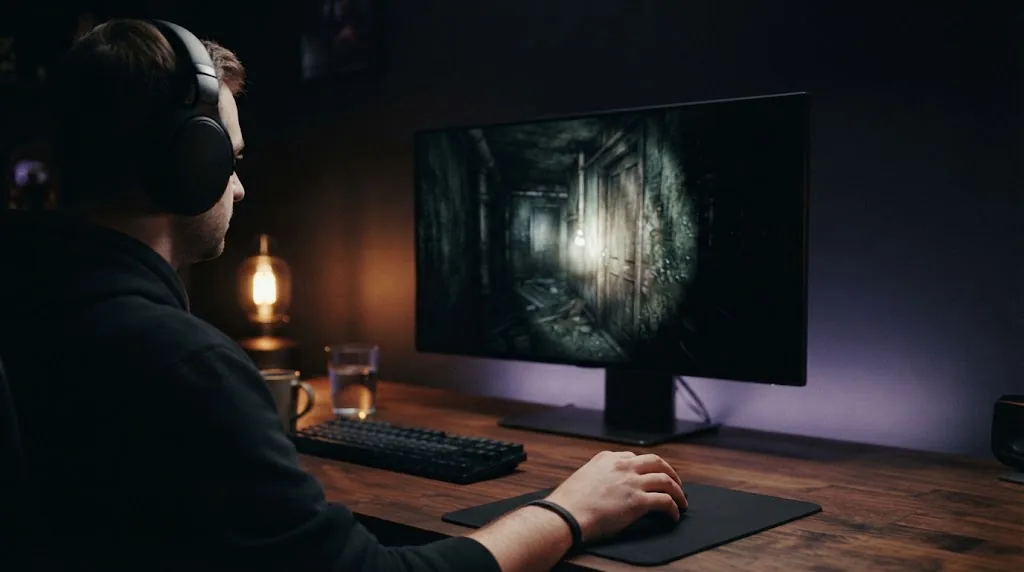
- The evening single-player gamer. Plays story games, horror or space titles after dark with the lights low. This is where the OLED premium pays off most. Every dark scene looks better, and a budget OLED's modest full-screen brightness hardly matters in a dim room. Our call: pay for the OLED.
- The daylight competitive player. Plays shooters in a bright room, mostly at high frame rates, and cares more about consistency than cinematic contrast. A well-tuned fast IPS gives you most of the competitive benefit, without the reflections or the burn-in worry. Our call: fast IPS, and spend the savings on frame rate.
- The work-and-play desk. Spends the day in documents, browsers or code, then games in the evening. Here it depends on the split. If work takes up most of the day, fast IPS is the calmer choice. If gaming is at least half the time, and you're happy to hide the taskbar and use dark mode, an OLED with a three-year burn-in warranty makes sense.

Evidence: the 2026 price gap, with dates
The entry OLED example
The Alienware AW2726DM is a 27-inch 1440p 240Hz QD-OLED. Engadget reviewed it in April 2026 at $350 and gave it 92/100, praising its deep blacks, rich color and value, plus a three-year warranty that covers burn-in. The review's main complaints were brightness of around 200 nits in everyday use, obvious reflections from the glossy finish, and color fringing on text that's easier to see than on a 4K screen. PCWorld reached much the same verdict in its October 14, 2026 review. It called it a great gaming monitor that's less suited to heavy office work and bright rooms, and noted Dell was listing it at $368 at the time.
The fast IPS examples
- AOC Q27G41ZE (27-inch, 1440p, 240Hz IPS): PC Guide reported a deal at $136 on October 7, 2026, about $25 under its previous price, and another October 2026 listing had it at $159.99.
- Acer Nitro XV272U (27-inch, 1440p, 240Hz IPS): listed at $219.99 in October 2026. Back in August 2025, PCWorld had reported a $220 deal on it against a $300 original price.
How far to trust these prices
Monitor prices change every week and deals come and go. These aren't prices RigGrade can promise. They're dated examples that show how big the gap was in October 2026. Before you buy, check today's price for the exact model and compare it against the same resolution and refresh rate. And if you want to know what "fast" really means on a spec sheet, our gaming monitor response time explainer shows why two "1ms" monitors can look very different.
Trade-offs: what each side gives up
What a budget OLED sacrifices
- Brightness: entry OLEDs can look dim on bright, full-screen content like web pages and spreadsheets.
- Finish and reflections: a glossy screen makes blacks pop in the dark, but it also reflects lamps and windows.
- Text: fringing at 1440p is the complaint we see most often from office users.
- Burn-in: a real risk that builds up over time and depends on static content and brightness. Our guide to OLED burn-in risk on gaming monitors explains which habits matter and what warranties cover.
- Panel character: QD-OLED and WOLED behave differently in bright rooms, so read QD-OLED vs WOLED for gaming before you pick a model.
What fast IPS sacrifices
- Blacks and contrast: night scenes, space games and horror titles look flatter.
- IPS glow and backlight bleed: some units show it in a dark room.
- HDR: budget IPS monitors may accept an HDR signal, but without local dimming they can't show the contrast that makes HDR worth having.
- Motion consistency: it depends on the overdrive setting and refresh rate, and poorly tuned models can show trails or overshoot.
How to decide if OLED is worth it for you
- Start with your room. If your desk faces a window or you mostly play in daylight, fast IPS is the safer value. In a dim room or for evening play, OLED's advantage grows a lot.
- Count your desktop hours. If static work fills more than about half your screen time, keep your money. A fast IPS avoids both text fringing and burn-in worries.
- Work out the premium per year. A $150 difference spread over a three-year warranty comes to about $50 a year, roughly $4 a month. If that gets you a visibly better picture most evenings, it's easy to justify.
- Protect your GPU budget. A 1440p 240Hz monitor only shines if your graphics card can keep up. If the premium means settling for a weaker GPU, buy the fast IPS and the better card.
- Check the burn-in warranty and the price on the day you buy. Compare exact models rather than panel types, and get the warranty terms in writing.
Compare like with like
A fair comparison keeps everything else equal. Before you decide whether the premium is worth it, line up both monitors on the same points:
- Same size, resolution and refresh rate. Compare a 27-inch 1440p 240Hz OLED with a 27-inch 1440p 240Hz IPS, not with a 1080p or 165Hz model.
- Independent motion results. Look for reviews that show pixel response and overshoot at your refresh rate, rather than trusting the "1ms" on the box.
- Rated SDR brightness and finish. In a bright room, these two predict how comfortable the screen will be better than the panel name does.
- Ports and stand. Budget models of both types cut corners here. Check the DisplayPort and HDMI versions for your PC and console, and whether the stand adjusts in height.
- Warranty length and what it covers. Three years with burn-in coverage changes the OLED risk a lot. On an IPS, look at the bright-dot and dead-pixel policy.
FAQ
Is a $350 OLED better than a $200 IPS for gaming?
For picture quality in a dim room, usually yes. You get deeper blacks, higher contrast and faster pixel transitions. In a bright room, for heavy office use or on a tight budget, a good fast IPS can be the smarter buy.
Is OLED worth it for competitive FPS?
It does help motion clarity, but a well-tuned fast IPS at the same refresh rate is already very capable. For most competitive players, refresh rate, frame rate and the GPU matter more than the panel type.
Do I need a powerful GPU for an OLED monitor?
Not because it's an OLED. You need a GPU that can push high frame rates at the monitor's resolution, whatever the panel. At 1440p 240Hz, the requirement is the same for both.
Is fast IPS still worth buying in 2026?
Yes. It's the right pick for bright rooms, text-heavy days, tight budgets and anyone who wants zero burn-in risk. It's the practical choice, and it isn't outdated.
Will OLED prices keep falling?
The 2026 drop to around $350 for a 1440p 240Hz QD-OLED points that way, but nobody can promise a date or a price. Buy when the current price fits your budget and your needs.
Sources and Methodology
RigGrade is a research-backed publisher, not a testing lab, and we didn't test these monitors ourselves. This guide relies on independent reviews and dated price reports, and we say where prices or evidence may change. Sources and prices were checked on October 25, 2026.
- Engadget, Alienware 27 (AW2726DM) QD-OLED review, April 2026: engadget.com
- PCWorld, Alienware AW2726DM OLED review, October 14, 2026: pcworld.com
- PC Guide, AOC Q27G41ZE deal report, October 7, 2026: pcguide.com
- iTechGuides, IPS vs OLED 1440p 240Hz, with October 2026 listed prices (affiliate site): itechguides.com
- PCWorld, Acer XV272U deal report, August 2025: pcworld.com