Sources checked October 25, 2026.
The short answer
Yes, OLED burn-in on gaming monitors is real, and no current panel is immune to it. What decides your risk, though, is less the fact that it's an OLED and more what sits still on your screen day after day. If you mostly play a mix of games, leave the panel's care features on and keep brightness sensible, the odds of trouble within a two or three-year warranty are low. If your screen shows the same taskbar, code editor, MMO action bars or news ticker for hours every day, the picture changes fast.
Here's the rule we'd use. If more than half of your screen time is static desktop work, buy a fast IPS monitor and stop worrying about it. If not, an OLED with a written three-year burn-in warranty is a sensible purchase. Still choosing a model? Start with our research-backed guide to the best gaming monitors for 2026/27, then come back here to judge the burn-in side of the decision.
What OLED burn-in actually is
On an OLED, every pixel makes its own light. The organic material that produces that light wears a little every time it works. Burn-in shows up when the wear is uneven. Pixels that display the same bright shape for hundreds of hours age faster than the ones around them, and one day you notice a faint ghost of that shape that won't go away.
Temporary image retention vs. permanent burn-in
People mix these two up all the time, so it's worth separating them:
- Image retention is temporary. A faint outline hangs around after a static image, then fades after a few minutes of moving content or a panel refresh cycle.
- Burn-in is permanent. The wear is physical, normal use won't clear it, and care features can't fully undo it once you can see it.
Why brightness matters
A pixel running bright wears out faster than one running dim. So the same taskbar does more damage at maximum brightness than at a moderate desktop setting. That's also why monitor makers build in automatic dimming for areas of the screen that don't change.
WOLED and QD-OLED
LG's WOLED panels and Samsung Display's QD-OLED panels are built in different ways, but both use organic emitters that wear with use. Neither is burn-in proof. The early monitor tests we cover below hinted at a difference between the two, but three monitors is far too few to rank them. If you're weighing the wider panel decision (contrast, motion, text clarity, room lighting), our IPS vs VA vs OLED panel guide covers it.
Your risk depends on how you use the screen
Nobody has run a controlled study that gives a burn-in percentage for each kind of gamer. If someone quotes you one, they're guessing. What we can do is combine how the wear works with what long-term testing has shown, which gives a relative risk for each way of using the screen:
| How you use the screen | Typical static elements | Relative risk | What to do |
|---|---|---|---|
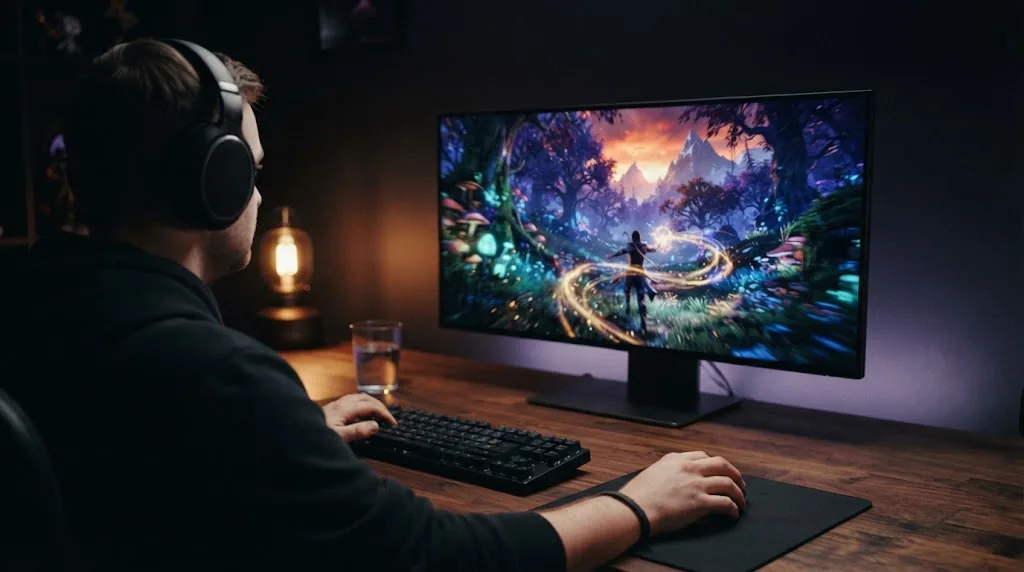
| Varied gaming, a few hours a day | HUDs that change between games, menus | Low | OLED is a good fit; leave care features on |
| One competitive game, every day | Health bar, minimap, ammo counter in the same spot | Moderate | Lower HUD opacity, moderate brightness, vary games |
| MMOs and UI-heavy games | Action bars, chat window, party frames | Moderate to high | Move or shrink UI panels, take breaks, hide UI when idle |
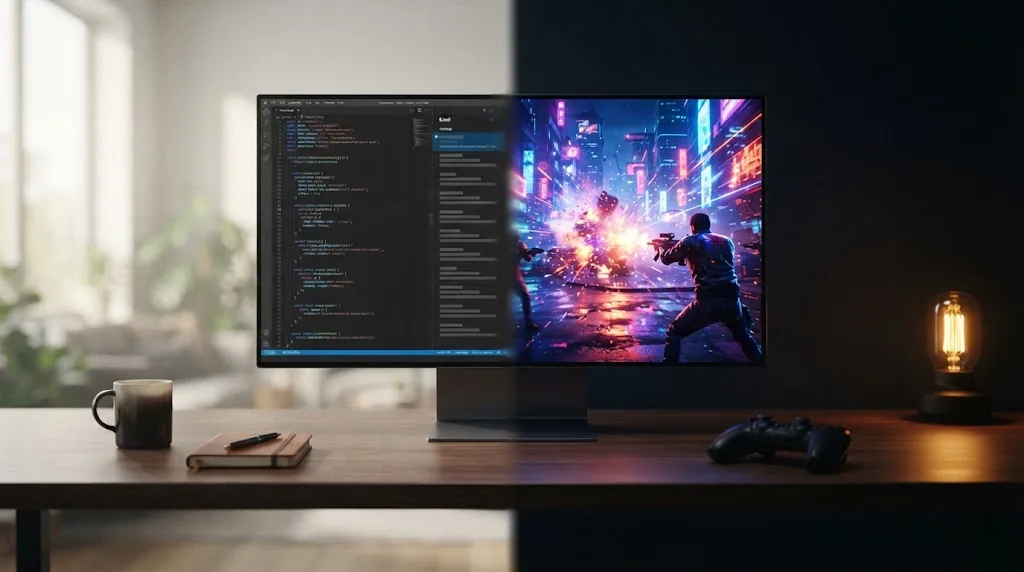
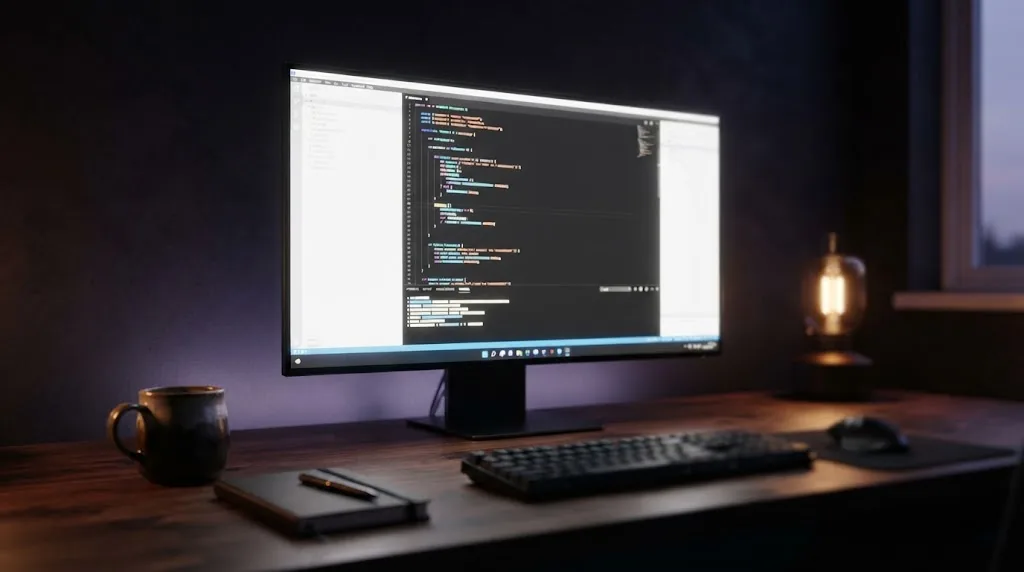
| Gaming plus long work or coding days (6+ hours) | Taskbar, browser tabs, code editor, side panels | High | Auto-hide the taskbar, dark mode, or choose fast IPS |
| Always-on "dashboard" screen | Stream overlays, trading charts, news tickers, logos | Very high | Avoid OLED for this job |
Every row comes down to three things multiplied together: time, brightness and stillness. A game on its own is rarely the culprit. The real problem is one bright shape parked in the same spot for hundreds of hours.
That's why "Is OLED good for programming?" doesn't get a clean yes or no. You can absolutely write code on an OLED. But a full-time coding or office setup is exactly the profile where burn-in risk peaks, and it's also where a fast IPS panel costs you the least.
What long-term testing shows
RTINGS' accelerated longevity test
The best public evidence we have comes from RTINGS. They ran a large accelerated longevity test on more than 100 TVs and several OLED monitors, and the setup is harsh on purpose. The screens play a live CNN feed around the clock at high brightness, with its bright static ticker and logo, to squeeze years of wear into months.
Three 1440p OLED gaming monitors went into that test: the Alienware AW3423DWF and the Samsung Odyssey OLED G8 (both QD-OLED), plus the LG UltraGear 27GR95QE-B (WOLED). PC Gamer reported in October 2023 that after about four months, roughly 2,000 hours, both QD-OLED monitors showed signs of image retention and the LG didn't yet. Later coverage of the same test, after about two years, describes visible retention on all three, clearest where the ticker sat. All three were still working, and all had kept close to their original peak brightness.
What that test proves, and what it doesn't
- It proves that any OLED monitor will burn in if you show it the same bright static content for long enough, whoever made it.
- It doesn't prove that a normal gaming setup burns in within two years. A news channel running 24/7 at high brightness is close to the worst case. Varied games at normal hours are far gentler.
- It can't rank WOLED against QD-OLED with any confidence. Three monitors is a tiny sample, and the early gap between them closed over time.
Newer panels are brighter, not burn-in proof
A separate RTINGS comparison, covered by KitGuru in August 2026, pitted a 2017 OLED TV against 19 models from 2020 to 2023. Burn-in resistance came out about the same across generations. The newer panels were much brighter and more efficient, though. For a monitor, that extra headroom is useful: you can run desktop work at moderate brightness, cut the wear, and the image still won't look dull.
A documented real-world case
Back in 2023, Dave Meikleham at Tom's Guide found a burn-in line on his Alienware 34 QD-OLED that matched his browser's bookmarks bar. He'd used that monitor heavily for work as well as games. One case isn't a statistic, but it lines up almost perfectly with the "gaming plus long work days" row in the table above.
Trade-offs: what you give up to reduce the risk
Protecting the panel has a cost. Here's the catch with each option:
- Pixel shifting moves the whole image slightly over time. Corsair's ORBIT, for example, shifts it by one pixel per minute in a circle. You won't see it in games, but fine desktop edges can occasionally move by a pixel.
- Panel refresh cycles get in the way. Corsair asks you to run an Image Retention Refresh after 8 hours of use, and other brands run similar cycles when the monitor goes to standby. You have to let them finish.
- Static-area dimming and taskbar detection can dim parts of the screen you'd rather keep bright. MSI's OLED Care, for instance, includes taskbar and multi-logo detection.
- Moderate brightness slows the wear, but SDR content looks less punchy in a bright room.
- Buying a fast IPS instead takes burn-in off the table entirely. You give up OLED's per-pixel contrast and near-instant pixel transitions in exchange. If motion clarity is what you care about most, our gaming monitor response time explainer shows how big that gap really is.
How to choose an OLED with burn-in in mind
- Work out your static share. Count how many hours a day the screen shows fixed desktop elements, and be honest about it. If it's more than about half your screen time, a fast IPS is the safer buy.
- Read the written burn-in warranty for the exact model. Length and conditions vary by brand, and sometimes by model line. The table below shows how much.
- Leave the care features on. Some warranties depend on it, and turning them off or skipping refresh cycles again and again can cost you coverage.
- Set a moderate SDR brightness for desktop work. Keep full brightness for HDR games and video.
- Make your desktop OLED-friendly. Auto-hide the taskbar, switch to dark mode, use a black or rotating wallpaper, and let the screen sleep when you step away.
OLED burn-in warranties by brand (US, checked October 25, 2026)
| Brand | Burn-in coverage | Known conditions | Source |
|---|---|---|---|
| Dell / Alienware | 3 years | Depends on the model and the country. Dell confirmed that one Alienware OLED sold in India had no burn-in cover while its sister model did. Only buy if the listing says "including coverage for OLED burn-in" | BGR, March 2026; Dell Community, 2026 |
| MSI | 3 years on OLED panels, burn-in included | Coverage is tied to keeping OLED Care features active, according to TFTCentral | MSI announcement (Feb 2024); TFTCentral |
| ASUS ROG | 3 years on current OLED models; 2 years on a list of older models | Older 24-month models include PG27AQDM, PG34WCDM, PG42UQ, PG48UQ and PG49WCD; check Tech Specs for burn-in wording | ASUS support FAQ (updated Oct 13, 2026) |
| Corsair | 3 years for image retention or burn-in | Applies when ORBIT and Image Retention Refresh are used | Corsair support article |
| LG | 2 years | Normal personal or home use (gaming and office use included); commercial display use excluded | LG statement via TechRadar (Aug 2023) |
| Samsung | Not clearly documented in the sources we found | Get the terms in writing from Samsung or your retailer before buying | None found |
Warranty terms change, so use this table as a starting point. Before you pay, check the coverage on the product page of the exact model you're buying.
FAQ
Is OLED burn-in still a problem in 2026?
Yes, but for gamers it's a smaller problem than it used to sound. Long-term tests show that every OLED can burn in with enough bright static content. Varied gaming with the care features on, on the other hand, is low risk, and the three-year burn-in warranties several brands now offer reflect that.
Is OLED good for programming or office work?
It works, but it's the riskiest everyday use, because code editors, taskbars and browser bars stay put for hours. If that's most of your screen time, go with a fast IPS. If it's the smaller part, use dark mode, auto-hide the taskbar and make sure you have a three-year warranty.
Does gaming cause burn-in on OLED monitors?
It can, when the same bright HUD sits in the same place for hundreds of hours. Think of one competitive game, or a UI-heavy MMO played every day. Switching between different games spreads the wear much more evenly.
Can OLED burn-in be fixed?
Temporary image retention usually clears with moving content or a panel refresh cycle. Real burn-in is permanent wear. A refresh cycle can make early unevenness less visible, but it can't fully reverse it, and that's the moment your warranty earns its keep.
Is QD-OLED more prone to burn-in than WOLED?
In the early RTINGS results, the two QD-OLED monitors showed retention before the LG WOLED. Later results showed it on all three, and three monitors is a very small sample. There isn't enough evidence to call either panel type safer.
Sources and Methodology
RigGrade is a research-backed publisher, not a testing lab, and we didn't test these monitors ourselves. This guide cross-checks independent long-term testing against manufacturer documentation, and we say so wherever the evidence is thin. All sources were accessed on October 25, 2026.
- RTINGS, longevity test (TVs and monitors): rtings.com
- PC Gamer via Yahoo Tech, RTINGS OLED monitor burn-in results, October 2023: tech.yahoo.com
- 3DTested, RTINGS long-term results for TVs and monitors: 3dtested.com
- KitGuru, RTINGS generational comparison, August 2026: kitguru.net
- Dell Community, Alienware AW2725D vs AW2725DF burn-in coverage (India listing), 2026: dell.com
- Tom's Guide, real-world Alienware 34 burn-in case, April 2023: tomsguide.com
- MSI, 3-year burn-in warranty for OLED monitors, February 2024: msi.com
- TFTCentral, OLED care features and burn-in warranty conditions, February 2024: tftcentral.co.uk
- ASUS, OLED monitor warranty period and policy (last updated October 13, 2026): rog.asus.com
- Corsair, burn-in on Corsair OLED monitors (ORBIT, Image Retention Refresh): corsair.com
- TechRadar, LG OLED gaming monitor burn-in warranty, August 2023: techradar.com
- BGR, OLED monitor brands with burn-in protection, March 2026: bgr.com