Sources checked October 25, 2026.
The short answer
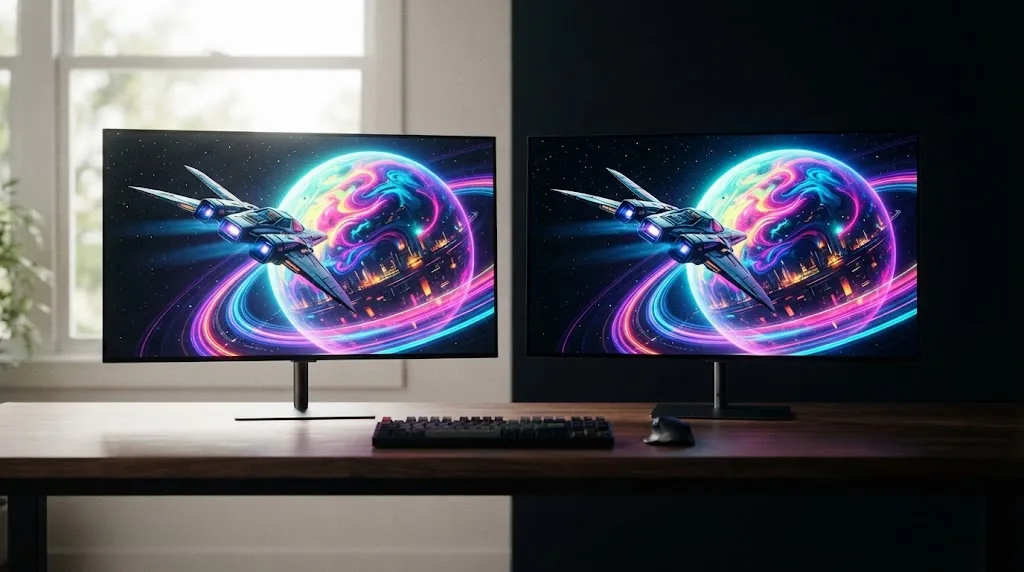
The QD-OLED vs WOLED question has less to do with which panel is "better" and more to do with where and how you play. Independent measurements show QD-OLED producing brighter, more saturated colors, and you can see it in colorful HDR games played in a dim room. WOLED usually keeps blacks looking deeper when the room is bright. Most QD-OLED panels skip a conventional polarizer, so under ambient light their blacks can look slightly raised, sometimes with a purple tint.
If you play competitive games, the panel type matters less than the monitor itself. Refresh rate, motion modes and price will decide more than the WOLED or QD-OLED label. Already sure you want an OLED? Use this page to pick the panel, then compare real models in our research-backed best gaming monitors guide.
What QD-OLED and WOLED actually mean
Both are OLED. Every pixel makes its own light, so you get per-pixel contrast and near-instant pixel transitions either way. Where they differ is in how they make color.
WOLED (LG Display)
A WOLED panel uses OLED material that gives off a near-white light. Red, green and blue color filters sit on top, plus a fourth subpixel with no filter at all, a white one that adds brightness. That white subpixel makes the panel more efficient, but in very bright, colorful highlights it can wash the color out a little.
QD-OLED (Samsung Display)
A QD-OLED panel starts with a blue OLED layer and uses quantum dots to turn part of that blue light into red and green. There's no white subpixel, so bright colors stay saturated. The catch on most current QD-OLED monitors comes from the panel design. Without a conventional polarizer, light from the room hitting the screen can make black look less black.
The subpixel layout problem
Windows renders text for a straight red-green-blue stripe, and neither traditional layout matches it. QD-OLED arranges its subpixels in triangles, and WOLED uses an RWBG layout. Both can show colored fringes around small text, especially at 1440p. If you haven't decided between OLED and LCD yet, start with our IPS vs VA vs OLED panel guide.
What changes in real use: match the panel to your setup
| Your situation | Leans toward | Why |
|---|---|---|
| Bright room, daytime gaming, window behind you | WOLED | Blacks tend to stay deeper under ambient light |
| Dark room, evening gaming | Either; slight edge QD-OLED | Both look excellent in the dark; QD-OLED's color brightness becomes the difference |
| Colorful HDR and single-player games | QD-OLED | Brighter saturated colors and larger measured color volume |
| Competitive shooters | The model, not the panel | Refresh rate, motion modes and HUD readability decide; compare specific monitors |
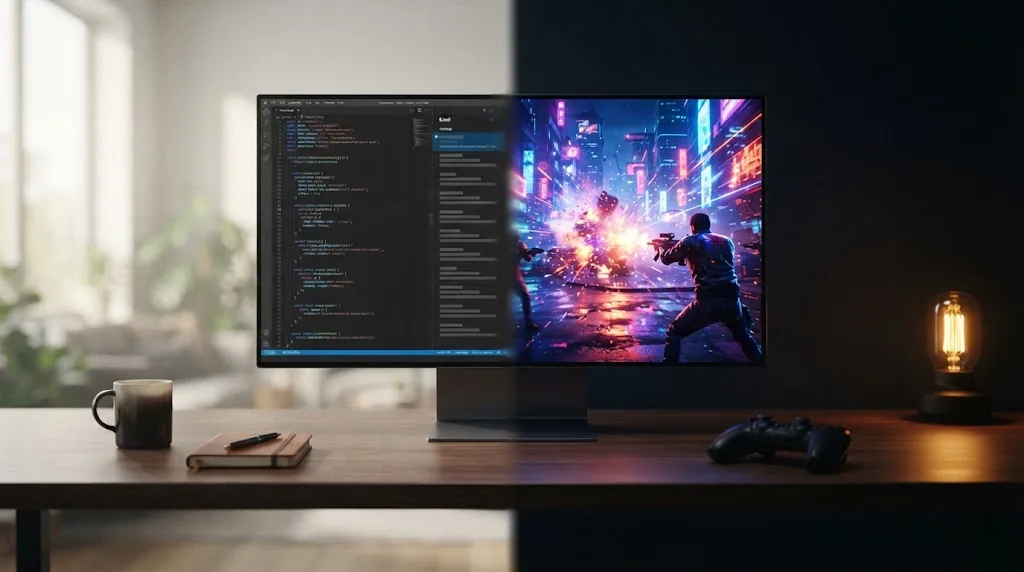
| Lots of text, coding or office work | Higher pixel density, or a 2026 RGB/V-stripe panel | Text fringing is a layout issue on both traditional types; 4K and newer stripe layouts reduce it |
You'll notice the table doesn't name a winner. The two panel types share most of their strengths. The differences only really show up in a few situations: a bright room, color-heavy HDR, and small text.
Three typical players
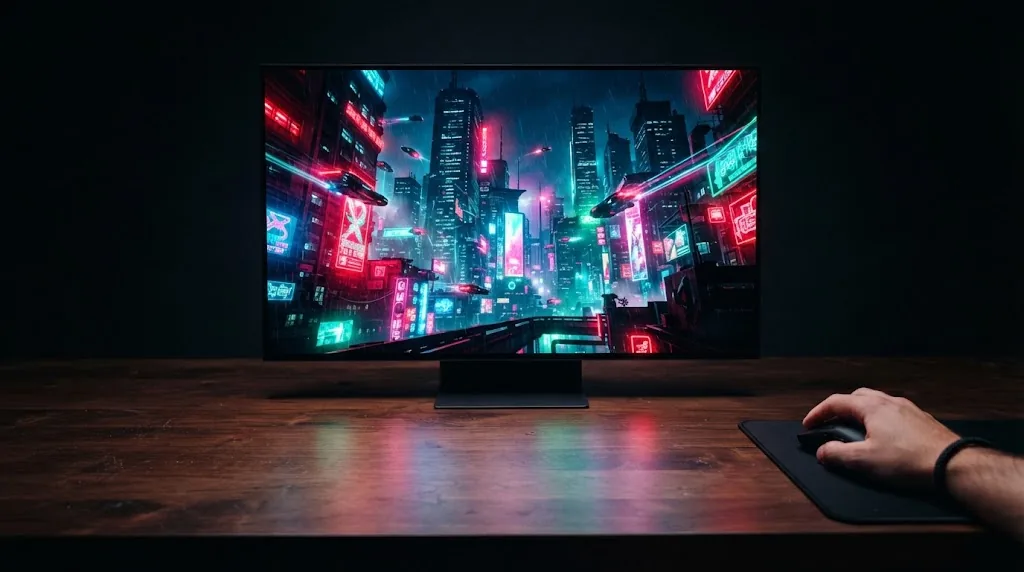
- The evening HDR player. Plays colorful, story-driven games at night with the lights down. This is where QD-OLED shines. In a dark room its blacks look just as deep as WOLED's, and saturated highlights are visibly brighter.
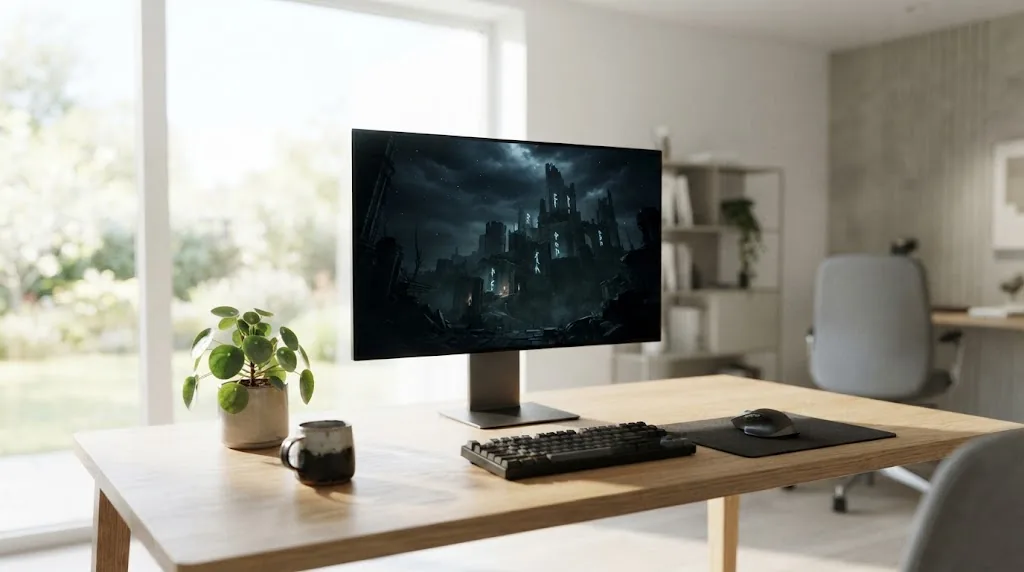
- The daytime desk gamer. Plays and browses in a sunny room, often with a window or lamp facing the screen. Raised blacks are the thing most likely to bother this player. WOLED is the safer choice, or a QD-OLED model with a coating built to handle ambient light.
- The hybrid worker. Spends as many hours in documents and code as in games. For this player the panel type comes second. Pixel density and subpixel layout decide how comfortable text looks, and good burn-in habits matter more than the WOLED or QD-OLED name.
Why pixel density changes the text verdict
Fringing is easier to spot when the pixels are bigger. You can work out pixel density from screen size and resolution:
| Size and resolution | Approx. pixel density | Text fringing on traditional OLED layouts |
|---|---|---|
| 27-inch 1440p | ~109 ppi | Most noticeable |
| 34-inch 3440×1440 ultrawide | ~110 ppi | Most noticeable |
| 32-inch 4K | ~138 ppi | Reduced |
| 27-inch 4K | ~163 ppi | Least noticeable |
So a 1440p OLED can look superb in games and still a bit soft, or edged with color, in a spreadsheet. A 4K OLED with the same panel type looks much cleaner on the desktop.
What independent measurements show
Colors and HDR highlights
In April 2024, TechSpot put two 32-inch 4K 240Hz OLEDs side by side: the QD-OLED MSI MPG 321URX and the WOLED LG 32GS95UE. Saturated primaries came out much brighter on the QD-OLED. Red measured about 241 nits against 105, green about 686 against 296, and blue about 69 against 34. Rec. 2020 color volume was roughly 73% on the QD-OLED and 34% on the WOLED. In a low-APL HDR scene, the QD-OLED hit about 897 nits and the WOLED about 603.
Black levels and room light
The same test found the matte WOLED looked blacker in a lit room, and the two looked the same in a dark one. TechSpot's conclusion was that QD-OLED suited darker rooms and WOLED brighter ones. They also noticed some "dirty screen" unevenness on dark grays on the WOLED model.
Text and power
- Text: both monitors showed fringing. TechSpot rated both acceptable at 4K in 2024, with the QD-OLED a little better on small fonts.
- Power: it depended on what was on screen. On a full white screen the WOLED used 35 to 40% less power. On a typical, darker Steam Store page the QD-OLED drew less, about 32W against 47W.
How far to trust these numbers
These figures come from two specific monitors from 2024. They give you a good sense of each panel type's character, but panels have moved on since, and a given model's coating, tuning and firmware can change the outcome. Read them as a direction, not as a score that applies to every monitor with the same panel type.
What changed in 2026
The debate is shifting, because both panel makers are going after their weak spots:
- Tandem WOLED. LG Display's newer tandem WOLED panels stack extra emitting layers to push brightness up. Early 2026 coverage reports brighter highlights than older WOLED, though color volume still trails QD-OLED and these panels keep the RWBG layout.
- RGB stripe WOLED. In December 2025, LG Display announced a 27-inch 4K 240Hz OLED panel with an RGB stripe layout (about 160 ppi, with a 1080p 480Hz mode), built specifically to fix text fringing. Before paying extra, check that the monitor you're looking at actually uses it.
- V-stripe QD-OLED. In January 2026, Samsung Display announced mass production of a 34-inch 360Hz QD-OLED panel with a vertical RGB stripe layout, supplied to brands including ASUS, MSI and Gigabyte. Samsung Display says it sharpens text edges and cuts fringing.
In practice, if text clarity is your main worry, a 2026 stripe-layout panel solves it more directly than picking QD-OLED over WOLED. Long-term independent measurements of these new panels are still scarce, so take the makers' brightness and clarity claims with some caution.
Trade-offs: the main catch with each panel
- QD-OLED: blacks can look raised or slightly purple in a bright room, and the traditional triangular subpixels can fringe small text at 1440p.
- WOLED: bright colors are less saturated because of the white subpixel, dark grays can look uneven, and older RWBG layouts fringe text.
- Both: burn-in is a real risk on either type, and the evidence doesn't show one as safer. Our guide to OLED burn-in risk on gaming monitors explains what raises the risk and what warranties cover.
- New stripe layouts: they go straight at the text problem, but they're new, few models use them so far, and independent testing is thin.
How to choose between QD-OLED and WOLED
- Start with your room light. A room that's mostly bright during the day points to WOLED. A dim or dark room points to QD-OLED.
- Decide what matters more, color or darkness. If colorful HDR games are the reason you want an OLED, QD-OLED's measured color brightness is the strongest argument for it.
- Count your text hours. Lots of desktop use? Put 4K density or a 2026 RGB or V-stripe panel ahead of the WOLED or QD-OLED label.
- For competitive play, compare monitors, not panel types. Refresh rate, motion modes, HUD readability and price matter more.
- Check the burn-in warranty on the exact model. Coverage depends on the brand, not on the panel type.
What to look for on the spec sheet
- Panel type and generation: "QD-OLED", "WOLED", "tandem" or an RGB or V-stripe layout often appears in reviews rather than on the box, so confirm it in an independent review.
- Screen finish: matte, glossy or a dedicated anti-reflection coating changes how the panel copes with a bright room more than any marketing name does.
- Resolution for your size: if you work with text, use the pixel density table above.
- Refresh rate and motion modes: for competitive play, compare these model against model.
FAQ
Is QD-OLED better than WOLED for gaming?
Not across the board. QD-OLED measures brighter in saturated colors, which helps HDR games in a dim room. WOLED usually looks better in a bright room. For competitive play, the refresh rate and features of the specific monitor matter more than the panel type.
Which is better for text and office work?
Traditional QD-OLED and WOLED layouts both fringe text a little, especially at 1440p. Higher pixel density reduces it, and the 2026 RGB-stripe panels (LG Display) and V-stripe panels (Samsung Display) are designed to fix it.
Why do QD-OLED blacks look gray in a bright room?
Most current QD-OLED monitors leave out a conventional polarizer, so room light reflecting off the panel makes black look lighter. In a dark room, the effect goes away.
Which lasts longer, QD-OLED or WOLED?
There isn't enough independent evidence to say. Both use organic materials that wear with use, and burn-in risk comes mostly from static content, brightness and hours.
Is tandem OLED worth waiting for?
Tandem panels are brighter and designed to last longer, but color volume and text layout still depend on the specific panel. If text clarity is your priority, a stripe layout matters more than the tandem label.
Sources and Methodology
RigGrade is a research-backed publisher, not a testing lab, and we didn't test these monitors ourselves. This guide cross-checks independent measurements against panel-maker announcements, and we say so wherever the evidence is thin. All sources were accessed on October 25, 2026.
- TechSpot, 4K QD-OLED vs 4K WOLED (MSI MPG 321URX vs LG 32GS95UE), April 2024: techspot.com
- RTINGS, WOLED vs QD-OLED (updated March 2026): rtings.com
- RTINGS, Tandem OLED vs QD-OLED (updated March 2026): rtings.com
- Tom's Guide, LG Display 27-inch 4K 240Hz RGB stripe OLED panel, December 2025: tomsguide.com
- TFTCentral, Samsung Display 34-inch 360Hz V-stripe QD-OLED panel, January 2026: tftcentral.co.uk
- NoobFeed, W-OLED vs QD-OLED vs Tandem OLED, May 2026: noobfeed.com