
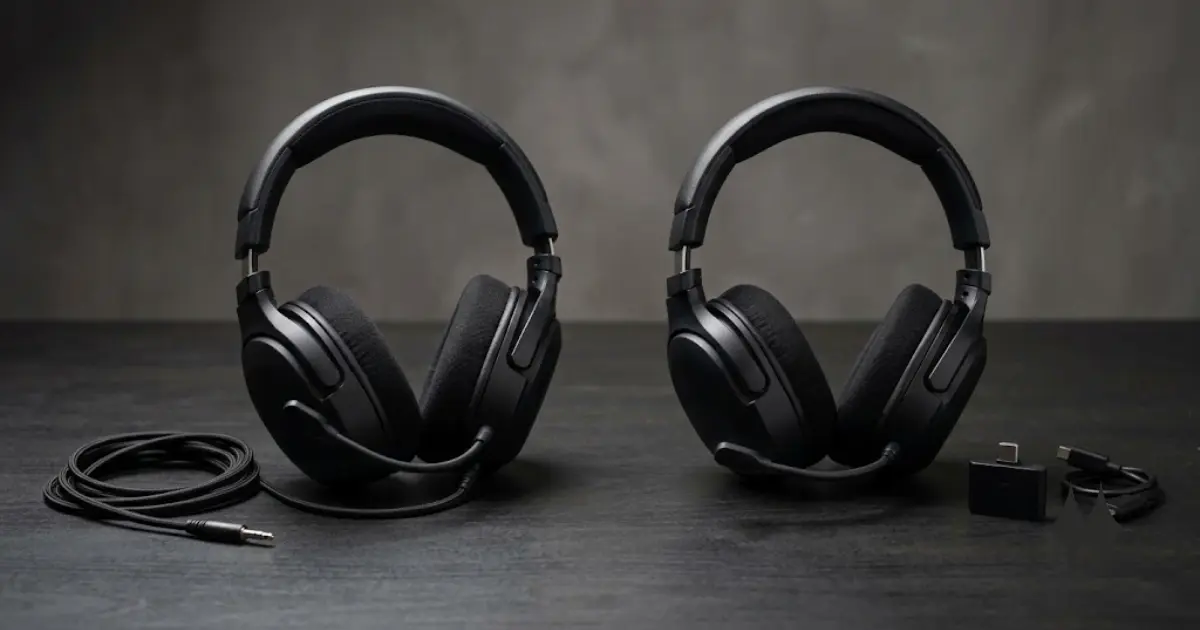
Wired vs Wireless Gaming Headset: Which Should You Buy?
The cable is not the real decision. Price, movement, charging, and platform compatibility are.
Editorial opinion · RigGrade quick verdict
Don’t pay extra for wireless unless cable management or desk distance is a real constraint for your setup.
Our recommendation: choose wired for price and simplicity. Choose 2.4 GHz wireless when freedom of movement provides a meaningful benefit. Consider dual wireless only when switching between gaming and mobile audio is genuinely useful to you.
The quick answer, in 4 steps
VISUAL SUMMARYA quick visual summary of the decision. This is not a video player.
The cable problem
A gamer stands and the headset cable reaches its limit.
The freedom test
The wireless user moves from desk to couch without disconnecting.
The hidden checks
Show the dongle, battery indicator, and console connection.
The verdict
Wired for value. Wireless when movement is worth the premium.
This storyboard summarizes the article. No playable video is currently included.
01 · Wired
When a wired gaming headset is the smarter choice
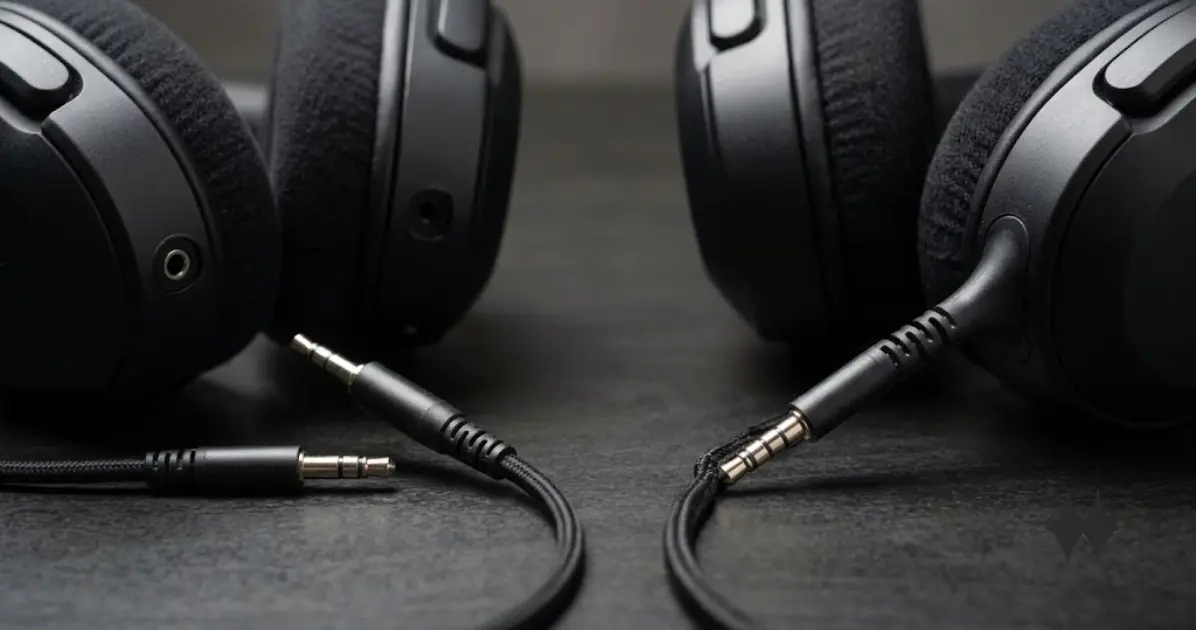
A wired headset removes three possible problems: battery failure, wireless interference, and pairing. Plug it into a compatible 3.5 mm, USB-A, or USB-C port and it works.
That makes wired models especially useful for gamers with a limited budget, players who stay at one desk, and anyone who does not want another device to charge. If your budget stops around $50, wired is effectively the only sensible answer — the reasoning and five picks are in Best Gaming Headsets Under $50.
- Usually less expensive than a comparable wireless design
- No battery aging or mid-session charging
- Simple connection and fewer software dependencies
- Easy to use with a controller when the connector is compatible
The physical cable remains the trade-off. It can catch on a desk, limit movement, or fail near the connector. A removable cable is easier to replace than a fixed one.
02 · Wireless
When wireless is worth paying for
Wireless becomes valuable when movement is part of the experience. It makes sense for couch gaming, standing VR sessions, shared rooms, and players who regularly leave the desk while staying in voice chat.
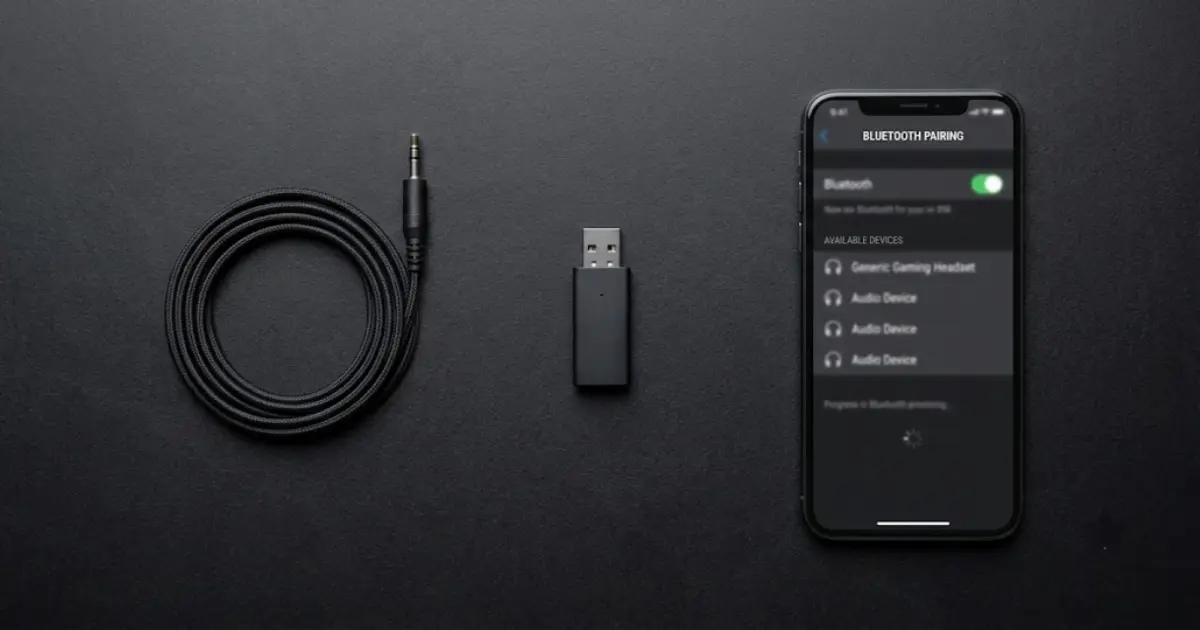
The connection type matters more than the word “wireless” — and frequency alone does not guarantee lower latency. Protocol, receiver quality, RF interference, and the manufacturer’s own implementation all affect the real-world result as much as the 2.4GHz label does.
- 2.4 GHz wireless: typically polls far more often than Bluetooth (often near 1000Hz vs roughly 125Hz), and uses a dedicated USB receiver on a less congested channel — this is why it is usually the better choice for fast-paced gaming, not the frequency by itself.
- Bluetooth: useful for phones, tablets, calls, and music, but shares a crowded band with Wi-Fi and other devices, which can add latency and occasional stutter. It also degrades your microphone the moment you start speaking, for a protocol reason we explain in Gaming Headset Microphone Quality Explained.
- Dual wireless: lets some headsets quick-switch between a 2.4GHz connection and Bluetooth. Few models actually run both at once — check whether a specific headset switches or truly combines them before assuming.
Wireless also creates new questions: real battery life, charge time, replacement receivers, software support, and console compatibility.
03 · What changes in play
The differences that actually affect your session
| Factor | Wired | Wireless |
|---|---|---|
| Charging | Never required | Required |
| Movement | Limited by cable | Free movement |
| Setup | Usually simpler | Receiver, pairing, or software |
| Price | Usually lower | Wireless premium |
| Multi-device use | Manual reconnection | Better on selected models |
| Long-term risk | Cable wear | Battery aging or lost dongle |
04 · Comfort
Connection type will not save an uncomfortable headset
A headset can sound excellent and still be the wrong purchase after one hour. Clamp force, weight distribution, ear-cup depth, heat, glasses, and cushion material matter during long sessions.
Wireless models include a battery and may weigh more, but weight alone does not predict comfort. A well-balanced heavier headset can feel better than a lighter model with a narrow headband.

05 · Compatibility
Check the exact platform before you buy
This is the mistake most likely to make an otherwise good headset unusable. Xbox, PlayStation, PC, Nintendo Switch, and mobile devices do not always accept the same wireless receiver or feature set.
06 · Buying mistakes
Five mistakes that waste money
Final decision
Choose based on how you play, not how the headset is marketed
Real models that fit each case
Examples only — full testing notes, scores, and the complete ranked list live in our pillar guide.
3.5mm wired, 32-ohm drivers, memory-foam ear pads. Fits the “fixed desk, no charging” case above.
165g, one of the lightest wireless headsets on the market. Fits the “couch play, cleaner setup” case.
Quick-switches between 2.4GHz and Bluetooth 5.3 (not simultaneous). Fits the “phone + gaming” case.
Rated as low as 10ms latency over 2.4GHz HyperSpeed. Fits the “competitive play” case.
Sources & Methodology
How this article was prepared
This article is a decision framework, not a lab test. RigGrade did not physically test the products named below during the preparation of this version. Full method: How We Grade.
Technical statements were checked against manufacturer documentation, official platform-support pages, and independent reviews at the time of writing. Specs and firmware change between hardware revisions — verify current specs before publishing an update.
A 2.4GHz connection does not guarantee lower latency by itself. Performance also depends on the wireless protocol, receiver quality, firmware, RF interference, platform, and the manufacturer’s own implementation.
Reference sources
- Turtle Beach — 2.4GHz vs Bluetooth Headsets: Which Is Better for Gaming? (polling rate and interference explanation)
- Tom’s Hardware — SteelSeries Arctis Nova 5 Wireless Review (dual-wireless quick-switch behavior, battery life)
- SteelSeries — Arctis Nova 5 Wireless official product page
- Corsair — HS55 Stereo official product page
- PlayStation Support — Pairing compatible wireless headsets
- Xbox Support — Set up and configure your Xbox Wireless Headset
Editorial and affiliate disclosure
The quick verdict and final decision framework above represent RigGrade’s editorial judgment based on the sourced facts — not an independent lab measurement. See our Editorial Policy for how we distinguish verified facts from editorial opinion.
This spoke article explains the buying decision and names a few real models as examples. The complete ranked list, testing notes, and the majority of affiliate links live in our Best Gaming Headsets 2026/27 pillar guide. Any affiliate link is clearly identified as such and never influences the editorial verdict — see our Affiliate Disclosure. The full cluster sits under Gaming Headsets.