IPS vs VA vs OLED Gaming: Which Panel Should You Choose?
Choose IPS for the safest all-round gaming monitor, VA for deeper LCD contrast and value, or OLED for the best HDR and motion clarity. Two monitors can share the same resolution and refresh rate yet look completely different in the same game because panel technology changes contrast, pixel response and viewing behaviour.
The short verdict in the IPS vs OLED for gaming debate is straightforward: OLED offers the strongest premium gaming experience, while IPS remains the safest all-around choice. VA sits between them as a contrast-focused value option—but only when its motion performance is good enough for the games you play.
That summary is useful, but it is not enough to buy a monitor. Your room lighting, frame-rate stability, work habits, GPU, and sensitivity to blur can all change the right answer.
IPS vs VA vs OLED at a Glance
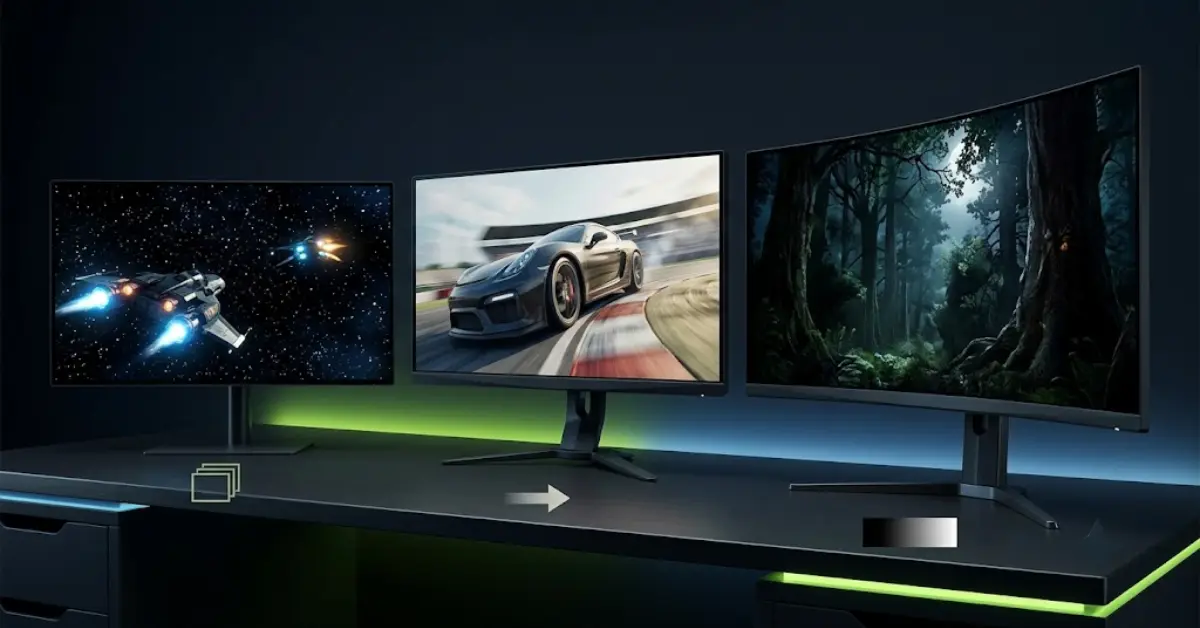
IPS, VA, and OLED gaming monitors differ most in contrast, pixel response, viewing consistency, and long-term desktop behavior. IPS is usually the safest all-rounder because it offers wide viewing angles, predictable text clarity, broad pricing, and generally consistent motion among LCD displays. VA produces deeper native blacks than standard IPS and can deliver strong dark-room value, but slower dark transitions may create black smearing on weaker models. OLED controls light at the individual-pixel level, giving it effectively perfect blacks, excellent HDR contrast, and typically the fastest pixel transitions. Its tradeoffs include higher prices, possible VRR flicker, nonstandard subpixel layouts on some panels, brightness behavior that varies by scene, and cumulative burn-in risk with prolonged static content. Panel type should narrow your search, not replace model-specific testing. Resolution, refresh rate, coating, local dimming, ports, and warranty still need separate evaluation.
| Criterion | IPS | VA | OLED |
|---|---|---|---|
| Native contrast | Usually the weakest | Strongest conventional LCD option | Pixel-level black |
| Motion consistency | Usually good | Highly model-dependent | Typically the fastest |
| Viewing angles | Wide | More color/contrast shift | Very wide |
| Bright-room use | Often strong | Model-dependent | Depends on brightness and coating |
| Text and desktop use | Usually the safest | Usually conventional RGB clarity | Subpixel layout may affect text |
| OLED-style burn-in risk | No | No | Present with cumulative static use |
| Typical position | Budget-to-premium all-rounder | Value, curved, ultrawide, dark room | Premium gaming and HDR |
No column wins every row. More importantly, these are technology tendencies—not guarantees. A premium VA can outperform a weak IPS in motion, while a bright Mini LED IPS can produce far better HDR than a basic IPS monitor.
What Changes in Games, Not Just on the Spec Sheet
Resolution tells you how many pixels a monitor has. Refresh rate tells you how frequently it can display a new image. Panel technology influences what those pixels look like while they are lit, changing, or completely off.
Blacks, Contrast, and Shadow Detail
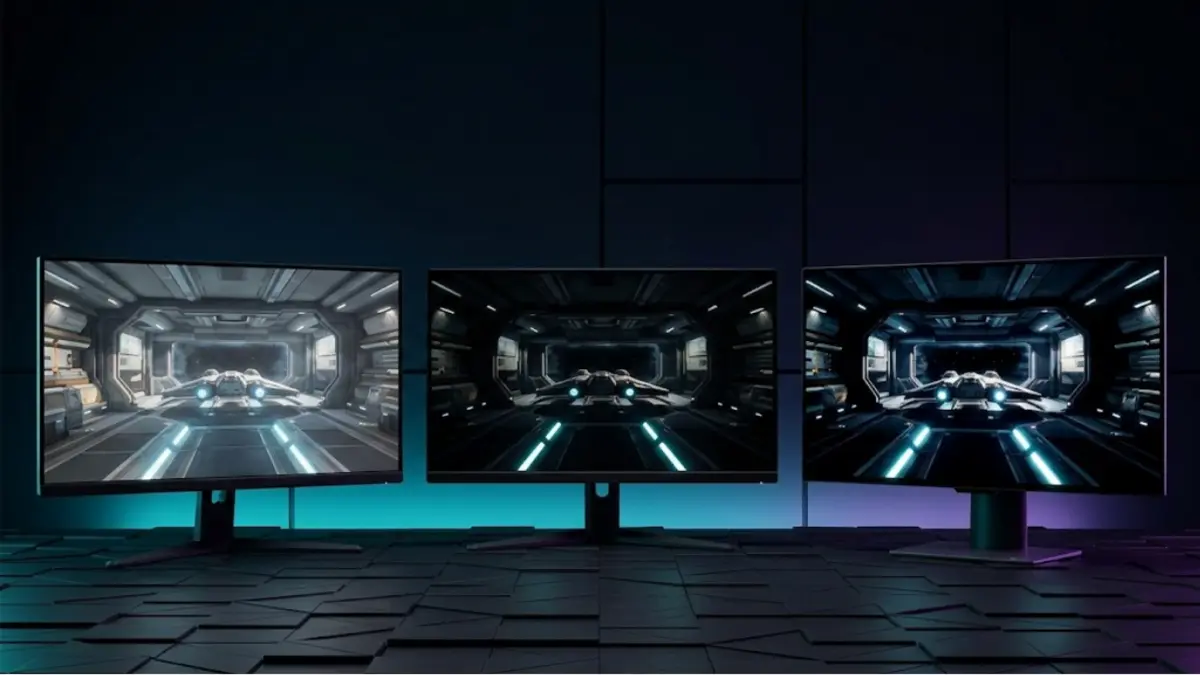
Standard IPS monitors use a backlight that remains active behind the liquid-crystal layer. In a dark room, black areas can therefore appear gray, especially near the corners where IPS glow becomes visible. This does not make IPS unusable for dark games, but it reduces the visual separation between bright objects and dark backgrounds.
VA is also an LCD technology, yet its crystal alignment blocks more light in dark states. That normally produces considerably deeper blacks than standard IPS. Horror games, space scenes, and night races can feel richer as a result. The tradeoff is that the darkest transitions may be the slowest, producing trails exactly where the contrast advantage is most visible.
OLED takes a different approach. Each pixel emits its own light and can switch off for black. This gives stars, HUD highlights, flames, and neon signs strong local contrast without relying on a backlight zone. RTINGS’ IPS and OLED comparison demonstrates this difference and also shows why room lighting still matters, particularly for some QD-OLED coatings.
Perfect black does not automatically mean perfect shadow detail. Calibration, near-black handling, gamma, and game settings can still hide information in dark areas. Panel technology creates the potential; the complete monitor determines how well it is used.
Motion Clarity and Pixel Response
OLED pixels usually transition far faster than LCD pixels. This helps moving enemies, crosshairs, track edges, and camera pans remain clearer at the same refresh rate.
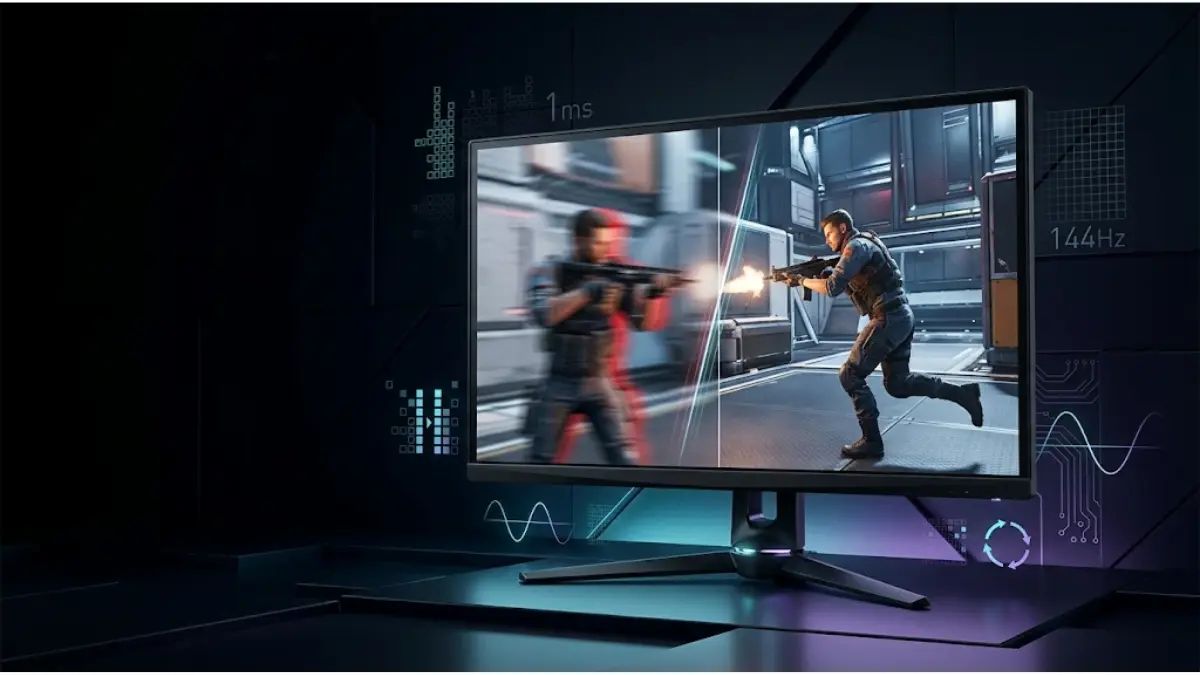
IPS is generally the most predictable LCD choice for fast gaming. Modern gaming IPS panels can provide strong response performance without the severe dark smearing associated with some VA displays. VA varies more dramatically: premium implementations can be fast, while budget models may struggle with dark transitions even when the box advertises 1ms.
Refresh rate alone cannot reveal that difference. A 240Hz panel receives a new refresh every 4.17ms, but slow transitions can remain visible beyond that window. Our guide to gaming monitor response time explains how transition averages, overdrive, and overshoot matter more than a single advertised number.
IPS for Gaming: The Safest All-Rounder
IPS remains easy to recommend because it creates fewer difficult tradeoffs for a mixed-use setup.
Its main advantages are:
- broad availability from inexpensive 1080p models to premium 4K displays;
- wide viewing angles and consistent color from normal desk positions;
- generally good LCD motion performance;
- conventional text rendering on most models;
- no OLED-style cumulative burn-in concern;
- strong options for bright rooms and productivity.
For competitive players who cannot justify OLED pricing, fast IPS is often the logical starting point. It is also a practical fit for someone who works eight hours on the same monitor, leaves static windows open, then games at night.
The weakness is contrast. Standard IPS black levels can look washed out in a dim room, and IPS glow may become distracting during dark scenes. Mini LED local dimming can improve contrast and HDR, but then you must evaluate the number and behavior of dimming zones, blooming, and price. Mini LED is a backlight system, not a separate panel type; it can be paired with IPS or VA.
Do not buy a monitor merely because it says “Fast IPS.” Check measured response time, overshoot, brightness, contrast, coating, VRR behavior, and performance at the refresh rates you actually use. IPS is the safest category-level recommendation, not an automatic quality badge.
Choose IPS first if: your monitor must handle gaming and work, your room is bright, you value sharp desktop text, or you want broad choice at a reasonable price.
VA for Gaming: Contrast Value With a Motion Warning
VA’s defining advantage is native LCD contrast. Black normally looks deeper than on standard IPS, giving dark games and movies more depth without paying OLED prices.
This makes VA attractive for:
- dark-room gaming;
- cinematic single-player titles;
- racing and simulation setups;
- curved and ultrawide monitors;
- buyers seeking stronger contrast per dollar.
The warning is dark-level smearing. Some VA pixels transition slowly between dark shades, leaving black or purple trails behind moving objects. It can be mild in one monitor and distracting in another. An advertised refresh rate of 165Hz or 240Hz does not prove the transitions can keep up.
Tom’s Hardware’s IPS versus VA comparison highlights VA’s contrast advantage and the potential for response-time artifacts. TechSpot’s broader display comparison likewise describes VA as a mixed category: good implementations exist, but lower-tier motion performance remains a concern.
Viewing angles are another tradeoff. VA colors and contrast can shift more as you move off-center. This may not matter at a normal single-player desk, but it matters on a wide screen, when sharing the display, or when the edges sit at a sharper angle to your eyes.
VA should therefore be purchased at the model level. Look for independent transition measurements and motion photographs, especially in dark scenes and across the VRR range.
Choose VA first if: deep blacks matter more than maximum motion clarity, you game mainly in a dim room, and a trustworthy review confirms the specific monitor avoids severe dark smearing.
OLED for Gaming: The Best Gaming Image Is Not Automatically the Best Desk Monitor
OLED combines two advantages that LCD monitors normally trade against each other: excellent contrast and extremely fast pixel transitions. That is why an OLED can make both slow cinematic scenes and fast competitive motion look better.
Why OLED Looks Different
Each OLED pixel produces its own light. There is no always-on backlight behind the image and no need to divide the screen into local-dimming zones. A bright object can sit beside a fully black pixel without a conventional LCD halo.
Pixel transitions are also near-instantaneous on current gaming OLEDs. This does not eliminate persistence blur at every refresh rate, but it removes much of the transition smearing seen on LCDs. At 240Hz or higher, the combination produces exceptional motion clarity.
HDR is where OLED’s contrast becomes particularly obvious. Small highlights can stand out against black backgrounds with precise control. However, HDR quality still varies by model, panel generation, calibration, color volume, and brightness behavior. “OLED” does not make every monitor equally bright or accurate.
Burn-In, Text Clarity, Brightness, and VRR Flicker
OLED is worth considering for gaming when motion clarity, black level, and HDR impact matter more than maximum desktop simplicity. Its self-emissive pixels typically transition faster than IPS or VA and can switch off completely for black, producing excellent contrast without LCD backlight blooming. OLED is not automatically the best choice for every PC. Repeated static elements can contribute to cumulative burn-in, although varied gaming and built-in panel-care features reduce practical risk. Some WOLED and QD-OLED subpixel layouts can produce color fringing around desktop text, especially at lower pixel density. OLED monitors may also change brightness between scenes and can show VRR flicker when frame times fluctuate sharply in dark content. Buyers should evaluate the specific model, warranty, room lighting, frame-rate stability, and work usage rather than choosing by panel label alone. Higher pixel density can also make OLED text-rendering artifacts less visible.
Burn-in deserves a realistic explanation. Organic pixels wear as they produce light. Repeated static HUD elements, taskbars, browser controls, or editing interfaces can cause uneven wear over time. Modern pixel shifting, compensation cycles, screen savers, and warranties reduce the concern, but they do not change the underlying technology.
For a gaming-first setup with varied content, burn-in may be an acceptable risk. For an eight-hour productivity screen showing the same interface every day, IPS is easier to own.
Text clarity depends partly on subpixel layout. Windows and many applications expect a conventional RGB arrangement. Some QD-OLED and WOLED layouts can show colored edges around small text. Higher pixel density makes the issue harder to notice, which is one reason 32-inch 4K OLED models work better as mixed-use displays than lower-density alternatives for some users.
VRR flicker is separate from burn-in. OLED can reveal brightness fluctuations when frame times change sharply, especially in dark scenes. RTINGS’ OLED VRR flicker research shows why stable frame delivery matters. If your GPU frequently swings between high and low frame rates, this issue may influence the decision more than response time.
Choose OLED first if: gaming is the primary use, you value HDR and dark-room image quality, your budget allows it, and you accept the static-content precautions.
1440p OLED vs 4K IPS: Which Upgrade Will You Notice More?
This choice compares two different improvements: better pixels versus more pixels.
A 1440p OLED usually delivers:
- stronger black levels and per-pixel contrast;
- faster motion;
- higher frame rates from the same GPU than native 4K;
- more dramatic HDR scenes;
- a lower pixel density than comparable 4K monitors.
A 4K IPS usually delivers:
- sharper text and fine detail;
- more desktop workspace;
- no OLED burn-in concern;
- often more consistent full-screen brightness;
- higher GPU demand in games.
At 27 inches, 1440p provides roughly 109 pixels per inch, while 4K provides about 163. At 32 inches, 4K is roughly 138 pixels per inch. Those differences make 4K noticeably sharper for text, strategy-game interfaces, fine geometry, and close desk use.
However, 4K has 2.25 times as many pixels as 1440p. Rendering that larger image can reduce frame rate or require more aggressive upscaling. A 1440p OLED may therefore feel smoother and look more dynamic, while a 4K IPS looks cleaner in static detail.
The practical choice:
- choose 1440p OLED for gaming-first use, dark-room play, high frame rates, competitive motion, and cinematic contrast;
- choose 4K IPS for work/gaming balance, sharp text, bright-room use, strategy titles, and long static sessions;
- if you have a high-end GPU and a larger budget, compare 4K OLED options rather than assuming you must accept either compromise.
The growing interest in this comparison makes it a strong candidate for a future dedicated guide. Here, it serves as a reminder that panel type cannot be separated from resolution, screen size, and GPU capability.
Which Gaming Monitor Panel Should You Choose?
The best gaming monitor panel depends on the weakness you are most willing to accept. Choose OLED for premium motion clarity, pixel-level blacks, and high-impact HDR, provided you accept higher pricing, static-content precautions, and possible VRR flicker. Choose IPS for the safest combination of gaming speed, desktop text clarity, bright-room usability, wide model selection, and freedom from OLED burn-in concerns. Choose VA when dark-room contrast and value matter more than universally fast transitions, but verify the exact monitor for black smearing and overdrive behavior. Competitive FPS players should begin with fast IPS or OLED; cinematic players should begin with OLED or a well-tested VA; mixed work-and-gaming users should usually begin with IPS. In every case, independent model testing matters more than the panel label alone. Your room, GPU performance, screen size, and daily desktop hours can reverse a category-level recommendation.
| Player or setup | Recommended starting point | Why |
|---|---|---|
| Competitive FPS | Fast IPS or OLED | Clean, consistent motion |
| Cinematic single-player | OLED, then verified VA | Contrast and dark-scene impact |
| Work and gaming | IPS | Text clarity and simple long-term use |
| Budget dark-room gaming | Verified VA | Better contrast per dollar |
| Premium HDR gaming | OLED | Per-pixel lighting and fast transitions |
| Unstable frame rates with VRR | IPS or a carefully tested model | Lower risk of distracting OLED flicker |
| PS5 or Xbox Series X | OLED or IPS according to room and usage | Also verify HDMI 2.1, 4K/120Hz, VRR, and 60Hz behavior |
Panel type should be your first filter, not your final verdict. Once you know which tradeoffs fit your setup, compare complete products in RigGrade’s guide to the best gaming monitors for 2026/27.
Frequently Asked Questions
Is OLED Better Than IPS for Gaming?
OLED is generally better for gaming motion, black level, and HDR contrast. IPS can still be the better overall monitor for a bright room, mixed productivity, static desktop use, a limited budget, or a user sensitive to OLED VRR flicker and text fringing.
Is IPS or VA Better for Competitive Gaming?
IPS is usually the safer choice because modern gaming IPS panels tend to provide more consistent pixel response, particularly in dark transitions. Some premium VA monitors perform very well, but the category varies enough that competitive buyers should rely on model-specific motion testing.
Is VA Better Than IPS in a Dark Room?
VA usually produces deeper native blacks and stronger contrast than standard IPS, so dark scenes can look richer. However, slow dark transitions may create smearing during movement. VA is better only when the specific model combines its contrast advantage with acceptable motion performance.
Should Burn-In Stop You From Buying an OLED Gaming Monitor?
Not automatically. Burn-in risk depends on cumulative use, brightness, repeated static elements, and panel-care behavior. Varied gaming is less demanding than displaying the same desktop interface all day. Review the manufacturer’s warranty and decide whether the precautions fit your usage.
Is OLED Text Clarity Bad?
Not universally. Some OLED subpixel layouts can produce color fringing around small text, particularly at lower pixel densities. Many users tolerate it, while others find it distracting. Higher-density 4K OLED monitors generally reduce the visibility of the issue.
Does OLED Have Better Response Time Than IPS and VA?
OLED typically has much faster physical pixel transitions than LCD-based IPS and VA panels. That improves motion clarity, but response time is not the only motion factor. Refresh rate, frame rate, persistence, VRR behavior, and input lag still matter.
Is 1440p OLED Better Than 4K IPS?
For gaming-first use, 1440p OLED often provides stronger contrast, HDR, and motion while demanding less GPU power. For desktop sharpness, productivity, and static detail, 4K IPS is usually better. Screen size, viewing distance, frame-rate goals, and GPU performance should decide the winner.
Which Panel Type Is Best for PS5 or Xbox Series X?
OLED provides the strongest premium console image, while IPS offers a practical mixed-use alternative. Panel type alone is insufficient: verify HDMI 2.1 bandwidth, 4K at 120Hz, VRR support, HDR performance, and response behavior at both 60Hz and 120Hz.
The Bottom Line
OLED delivers the strongest overall gaming image and motion, but its price and desktop tradeoffs are real. IPS remains the most versatile recommendation for gamers who also work, browse, or create on the same display. VA can deliver excellent contrast value, but it requires the most careful model-level motion research.
Choose the weakness you can live with, then verify the complete monitor rather than trusting its panel label. When you are ready to compare actual models, continue with RigGrade’s Best Gaming Monitors 2026/27 guide.
Editorial Methodology and Sources
This article compares established panel behaviors and independent display-testing findings. RigGrade did not perform laboratory panel measurements specifically for this explainer, and no panel label is treated as proof of a model’s performance.
- RTINGS: IPS vs OLED monitors
- RTINGS: VRR flicker research
- TechSpot: IPS, VA, QD-OLED, and WOLED comparison
- Tom’s Hardware: IPS versus VA for gaming
Last reviewed: August 16, 2026.